Filmmakers & directors
Plan every scene before you shoot. Visualize blocking, framing, and pacing without sketching by hand, then turn the board into a pre-visualization video.
Plan scenes, generate shots, and turn boards into video. All in one tool.
Build a storyboard scene by scene, with consistent characters across every shot. When you're ready, turn your boards into AI-generated video. No switching tools, no drawing skills required, no rendering pipelines.
Try Storyboard Free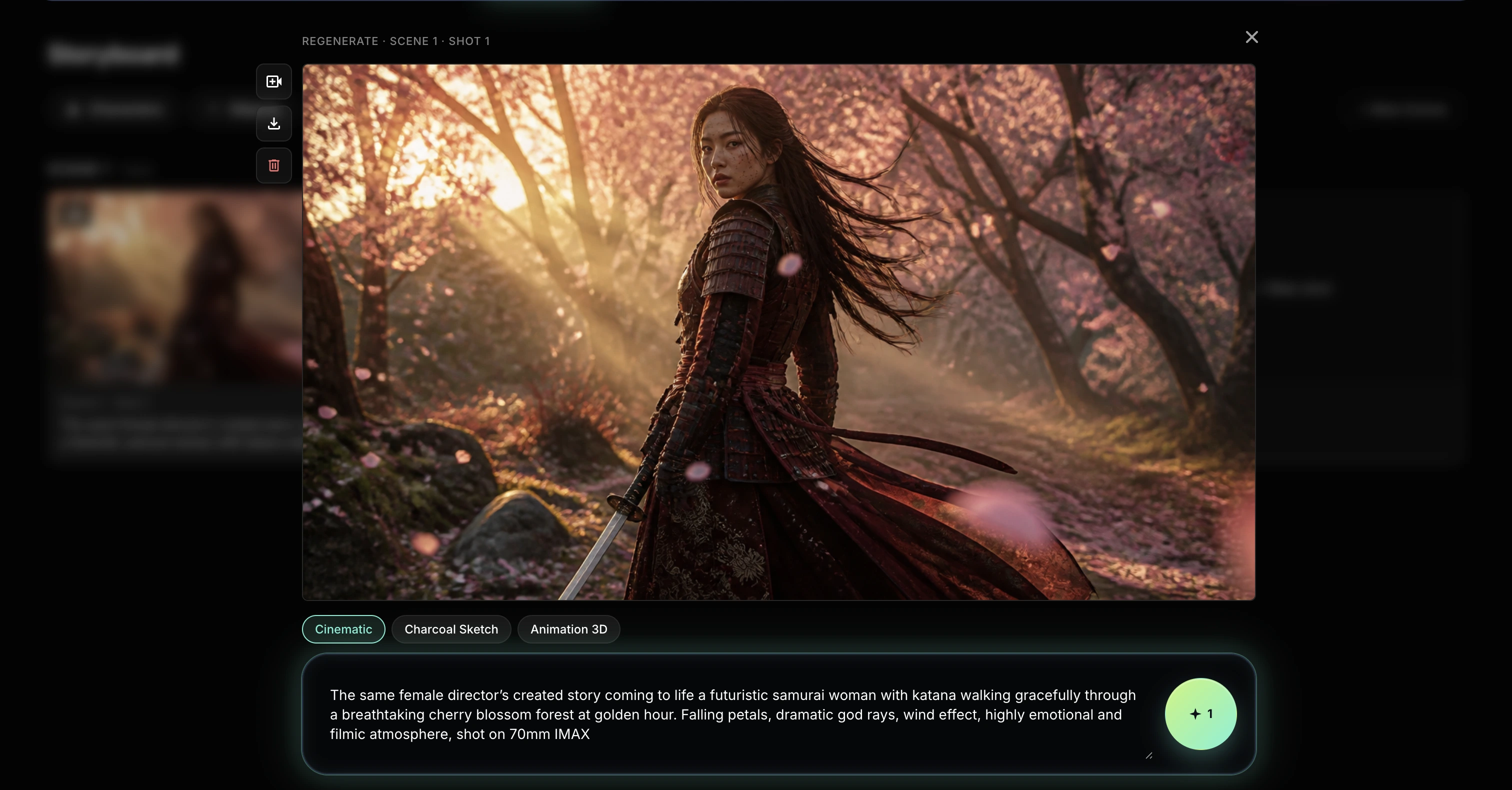
Describe what's happening, who's in it, and where it takes place. Add as many scenes as your story needs.
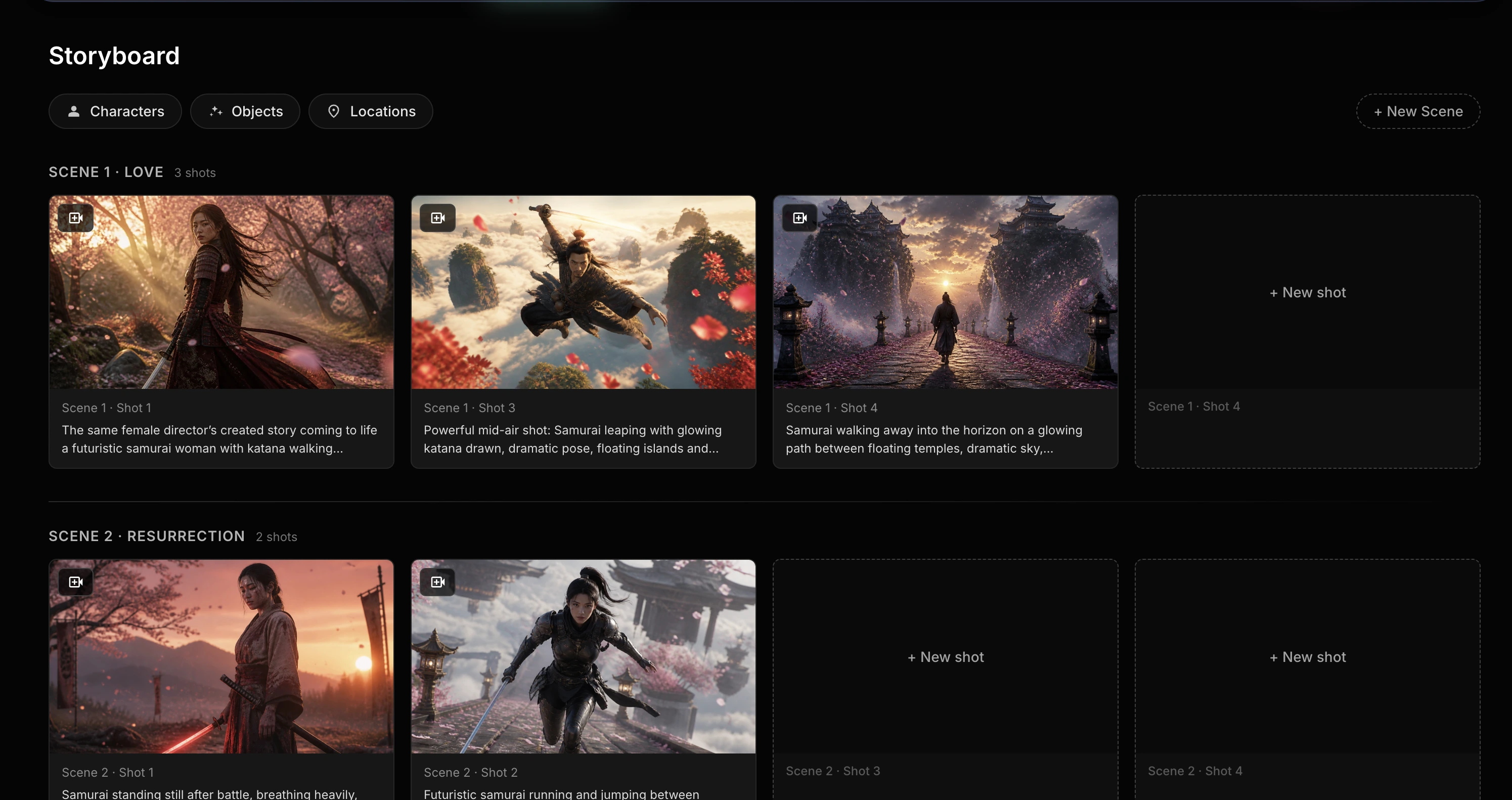
Write a prompt for each shot. AI generates the visual, scene by scene, keeping your characters and setting consistent across the board.
Click the video icon on any shot to animate it. Combine shots into a sequence and export the final cut without leaving the tool.
Optional: define recurring characters, objects, and locations once, then reuse them across every shot for stronger consistency.
| Feature | RenderKind Storyboard | Manual storyboarding |
|---|---|---|
| Drawing skills required | No | Yes |
| Character consistency across shots | Built-in | Manual effort, often inconsistent |
| From storyboard to video | One click, same tool | Separate workflow, often outsourced |
| Iteration speed | Minutes per shot | Hours to days per board |
| Reusable scene elements | Characters, objects, locations saved | Redrawn every time |
Plan every scene before you shoot. Visualize blocking, framing, and pacing without sketching by hand, then turn the board into a pre-visualization video.
Pitch campaign concepts with full storyboards instead of slides. Iterate on shots quickly, share with clients, and move from approval to final video in the same workspace.
Map out your next video before you film. Plan hooks, cuts, and transitions shot by shot. Useful for YouTube, TikTok, and short-form content.
Block out cinematics, cutscenes, and trailers. Keep characters consistent across sequences and test camera angles before committing to engine production.
Design scene-by-scene previs for animated shorts, music videos, or motion pieces. Generate reference frames that feed directly into your animation pipeline.
Teach visual storytelling without requiring drawing skills. Useful for film schools, animation courses, and writing workshops where ideas matter more than craft.
An AI storyboard generator creates scene-by-scene visual plans from text descriptions. You write what's happening in a shot, and the tool generates the image. RenderKind Storyboard adds character consistency across shots and lets you turn the result into video.
Start with a scene description, then add shots one by one. For each shot, write a short prompt describing what should appear. The AI generates the image, and you can refine, regenerate, or animate any shot into video without leaving the tool.
No. RenderKind Storyboard works with text prompts. You describe scenes and shots in plain language, and AI handles the visuals. No sketching, no software outside the browser.
Yes. Each shot can be animated using video models like Kling, Veo, or Wan. Combine animated shots into a sequence and export as MP4 directly from the workspace.
Yes. The Free plan includes 20 credits per month, enough to try out the workflow and generate your first storyboards. Paid plans offer more credits and full access to all video models.
Sign up free and get 20 credits to plan scenes, generate shots, and turn boards into video.
Try Storyboard Free