 OpenAI
 Google Gemini
 xAI
xAI Wan
WanMarketers & ad teams
Generate campaign visuals, social ads, and product shots without a photoshoot. Iterate concepts in minutes and ship the winner.
The best AI image models, one workspace.
Generate images with GPT Image 2, Nano Banana, Grok Imagine, or Wan 2.7 without juggling subscriptions. Each model has its own strength – photorealism, 4K output, fast drafts, in-image text – and you pay only for what you generate.
Try Image Free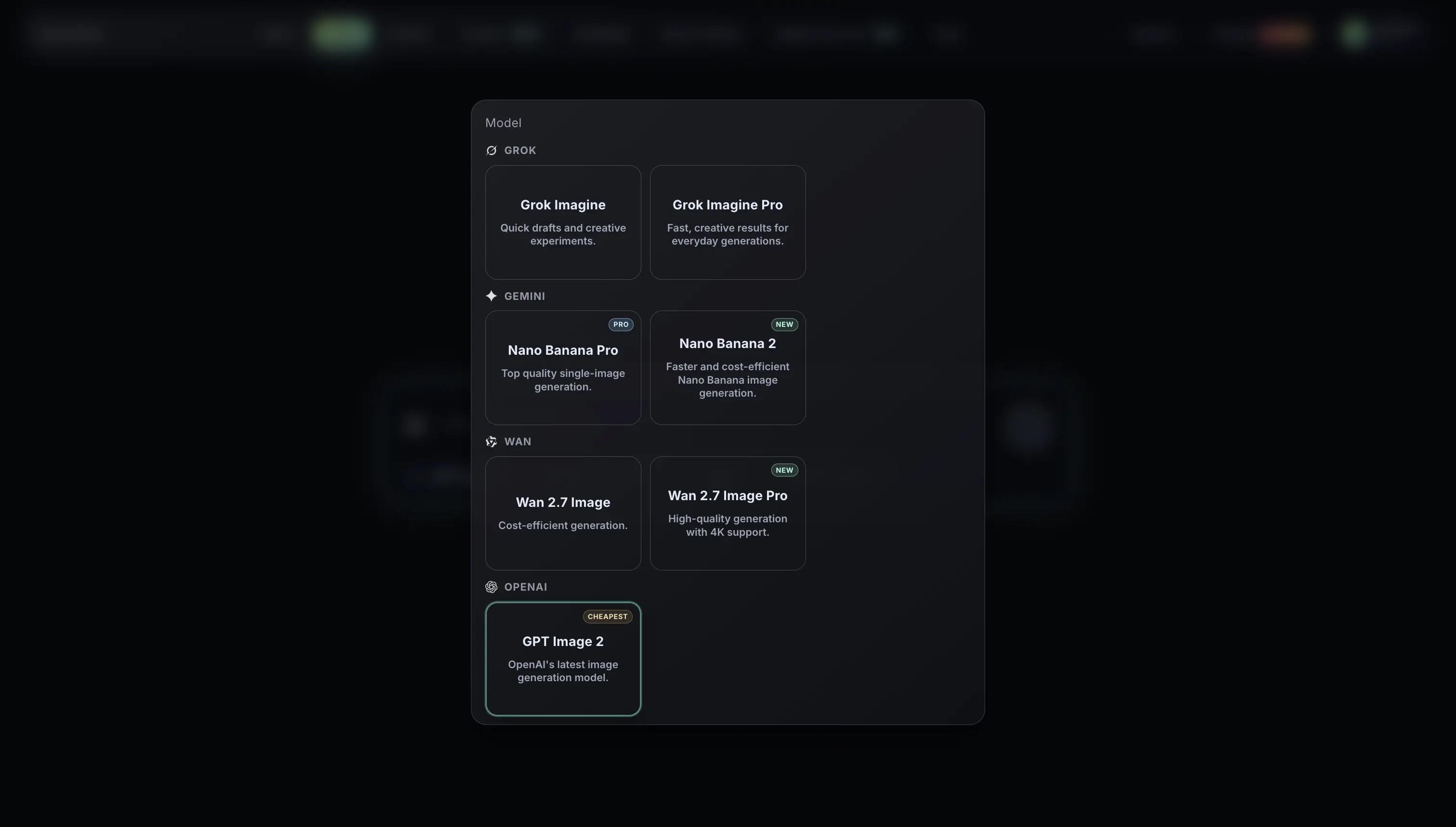
Browse the models grouped by provider. Each card shows what the model is best for and how many credits per image.
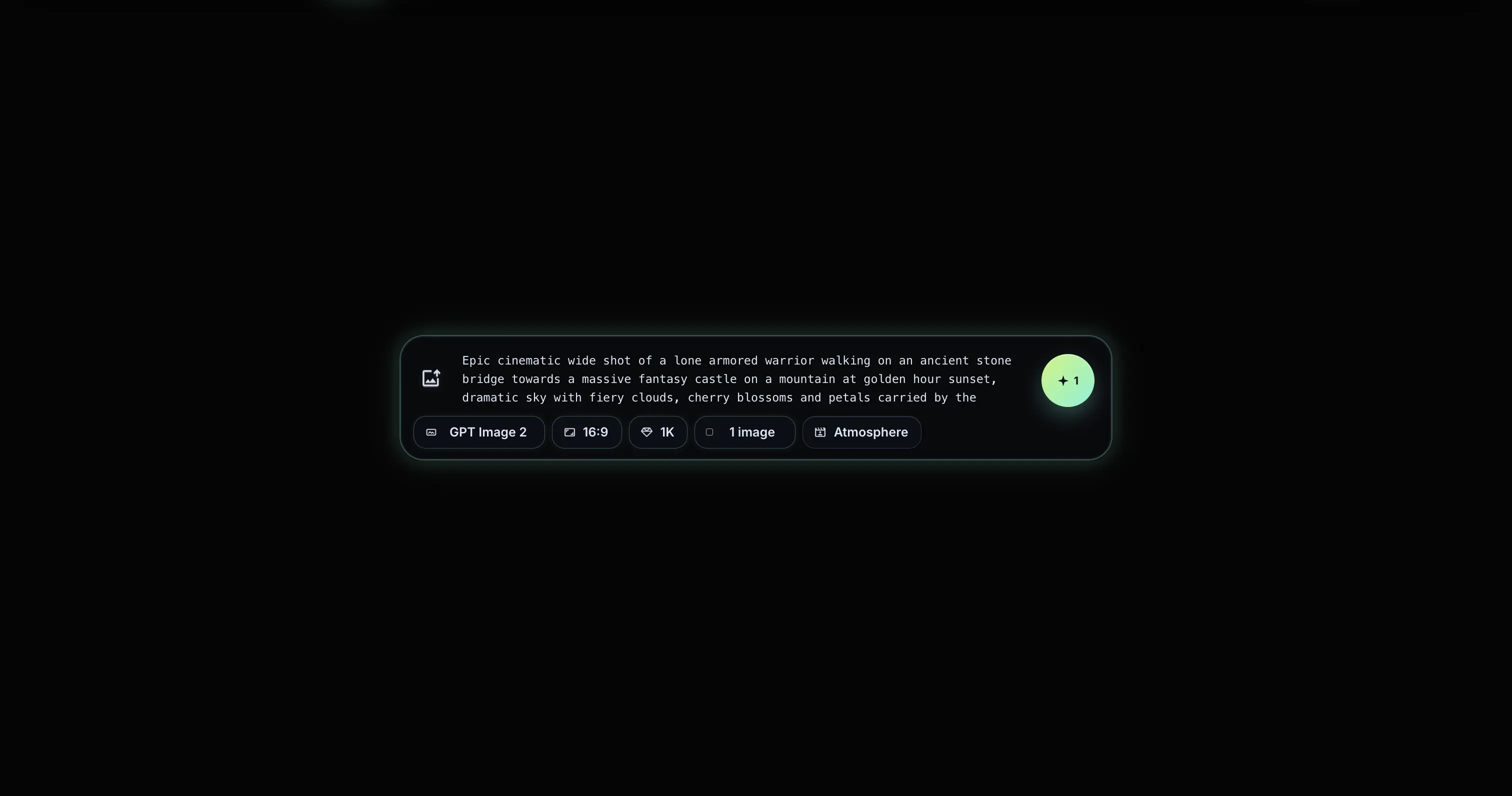
Write a prompt, upload a reference if you want, and choose aspect ratio. Optional: enable in-image text or photo editing on supported models.
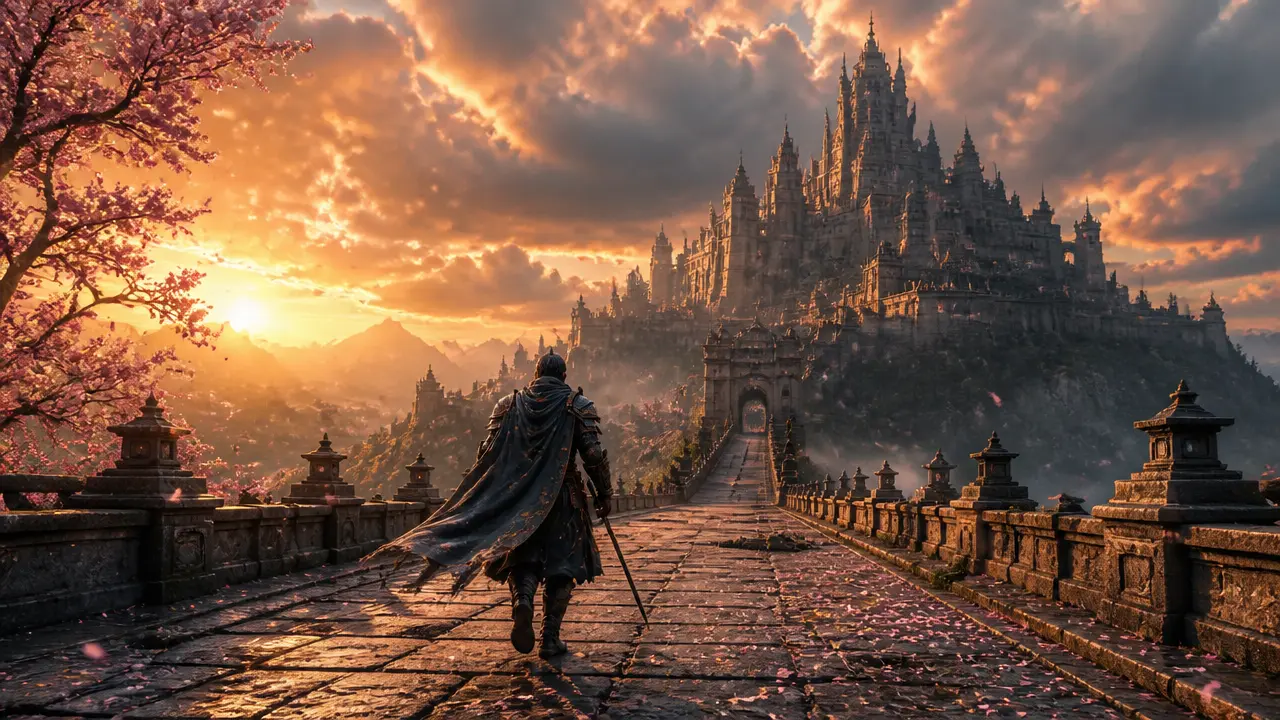
Get your image in seconds. Regenerate with the same prompt, swap models to compare results, or download as PNG or JPG. Send straight to Cinema to animate it.
Tip: generate the same prompt across two models when the result matters – 1-credit GPT Image 2 plus 7-credit Nano Banana 2 is still cheaper than a monthly subscription.
All on one credit balance. Pick by quality, speed, or price.
Generate campaign visuals, social ads, and product shots without a photoshoot. Iterate concepts in minutes and ship the winner.
Make thumbnails, social posts, and key visuals that match your brand. Different model per format, no extra tools.
Replace stock photos with branded product imagery. Generate lifestyle scenes, packshots, and seasonal variants on demand.
Explore visual directions before opening Figma. Use GPT Image 2 for photoreal mocks and Nano Banana Pro for hero artwork.
Restore old family photos, create avatars, or visualise ideas you can't sketch. Same tool, no learning curve.
Generate still frames here, then send them straight to Cinema to animate. Image and video pipelines share one credit balance.
An AI image generator turns text prompts into images. You describe what you want and the AI creates it. RenderKind Image gives you the leading models from OpenAI, Google Gemini, xAI, and Wan in one tool so you can match the model to the result you need.
GPT Image 2 is the cheapest and best for photoreal output, in-image text, and editing existing photos. Nano Banana Pro produces the highest single-image quality. Wan 2.7 Image Pro is the only model with 4K output. Grok Imagine is the fastest and lowest-credit option for drafts.
GPT Image 2 is OpenAI's latest text-to-image model. It is strong at photorealism, rendering legible text inside images, and editing existing photos with natural-language instructions. On RenderKind it costs 1 credit per image, the cheapest of any model in the tool.
Nano Banana 2 is Google Gemini's newest image-generation model, designed to be faster and more cost-efficient than Nano Banana Pro while keeping Gemini-grade quality. It costs 7 credits per image on RenderKind.
Yes. Wan 2.7 Image Pro supports 4K-resolution output. Select it from the model picker and choose the 4K toggle before generating. Other models output at standard high resolution.
Yes, GPT Image 2 supports photo editing. Upload a reference image, describe the change you want in plain language, and the model returns an edited version. Useful for restoring old photos, swapping backgrounds, and adjusting details.
Credit cost per image: GPT Image 2 is 1, Grok Imagine is 2, Wan 2.7 Image is 3, Nano Banana 2 and Grok Imagine Pro are 7, Wan 2.7 Image Pro is 8, and Nano Banana Pro is 15. All models share the same credit balance.
Yes. The Free plan includes 20 credits per month, enough to generate up to 20 images with GPT Image 2 or a mix across the other models. Paid plans add more credits and full access to every model.
Yes. Images you generate on a paid plan can be used commercially, including in ads, products, and client work. See the terms page for the full licence wording.
Yes. Generated images can be sent to Cinema, RenderKind's AI video tool, with one click. Cinema supports Kling, Veo, and Wan video models and shares the same credit balance.
Sign up free and get 20 credits. Try every model, find your favourite, pay only when you generate.
Try Image Free